SEE HOW LIGHT
shapes a face.
Move a light. Watch the shadows change. Right in your browser.
Drag to turn. On touch screens, swipe sideways.
The full tool adds four lights, more heads, presets, gels and saved setups.
Studio 02 · Artist Lighting
THE SAME LIGHT.
A different way to see.
For drawing and painting. Study the face as shadow and value, with no camera settings in the way.
Drag to turn. On touch screens, swipe sideways.
The full tool adds four lights, more heads, 2/5/7-value studies and Drawing View.
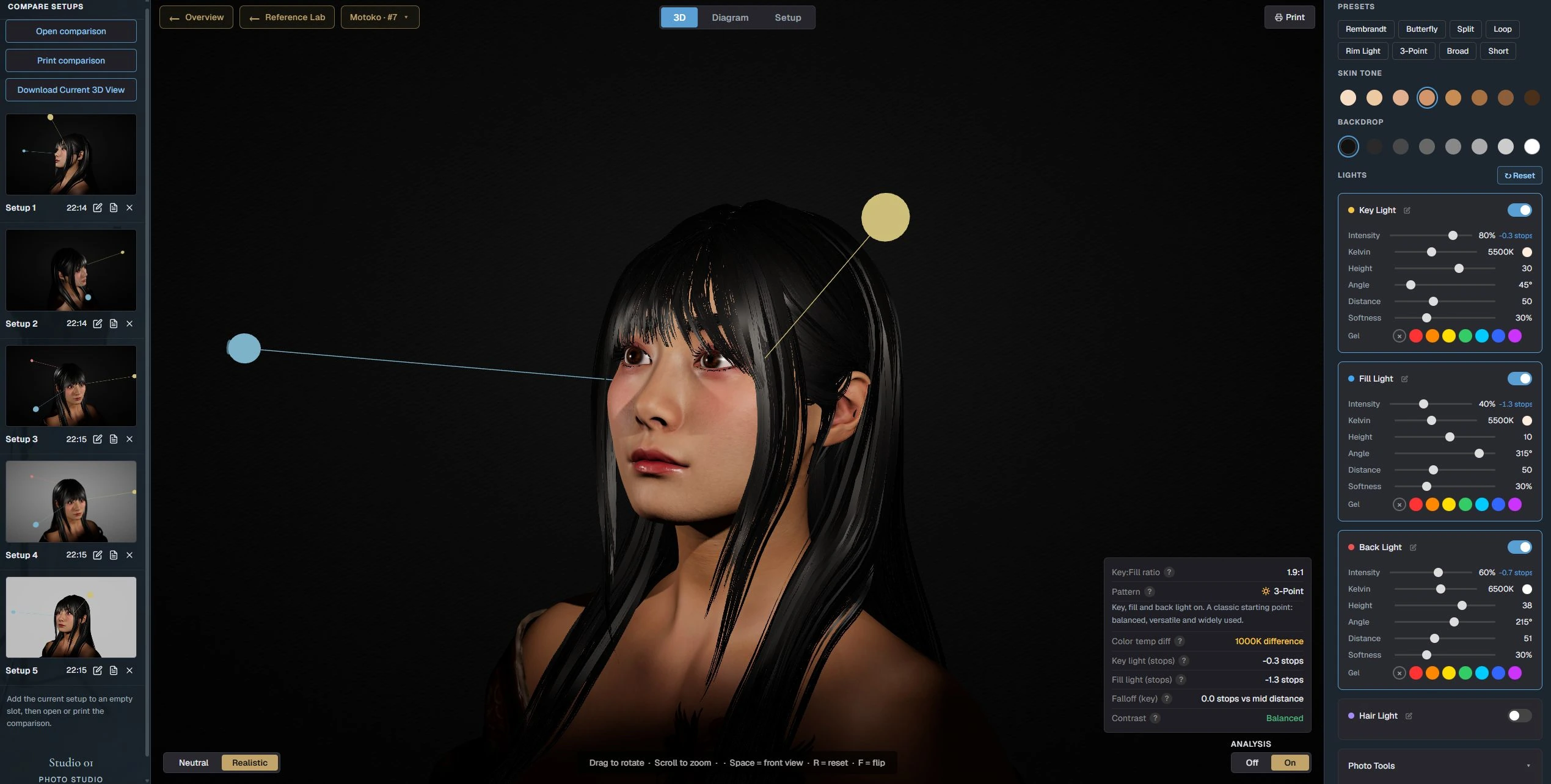
YOUR WHOLE LIGHTING WORKSPACE.
One screen.
Shape the light, save a setup, compare looks side by side. Everything stays in view.
Studio 03 · Reference Lab
HOW WAS THIS PORTRAIT
lit?
Upload a portrait. Reference Lab estimates the light and gives you a setup to start from.
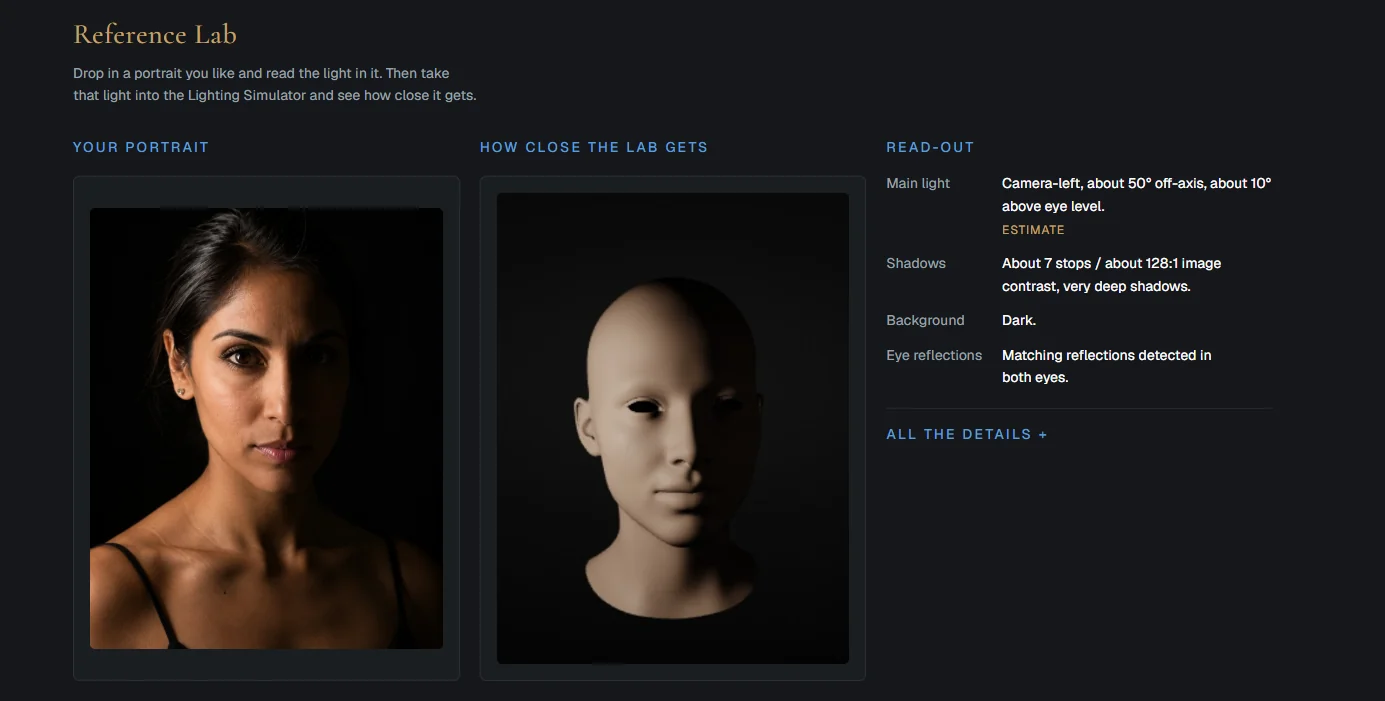
Start with a portrait.
Then open it in the Lighting Simulator, with your portrait beside the head.
Studio 06 · Color Lab New
PAINT A FIGURE
with colored light.
A full-figure studio for colored light. Place lights around the model, give each its own color, and watch it fall across the figure and the room.
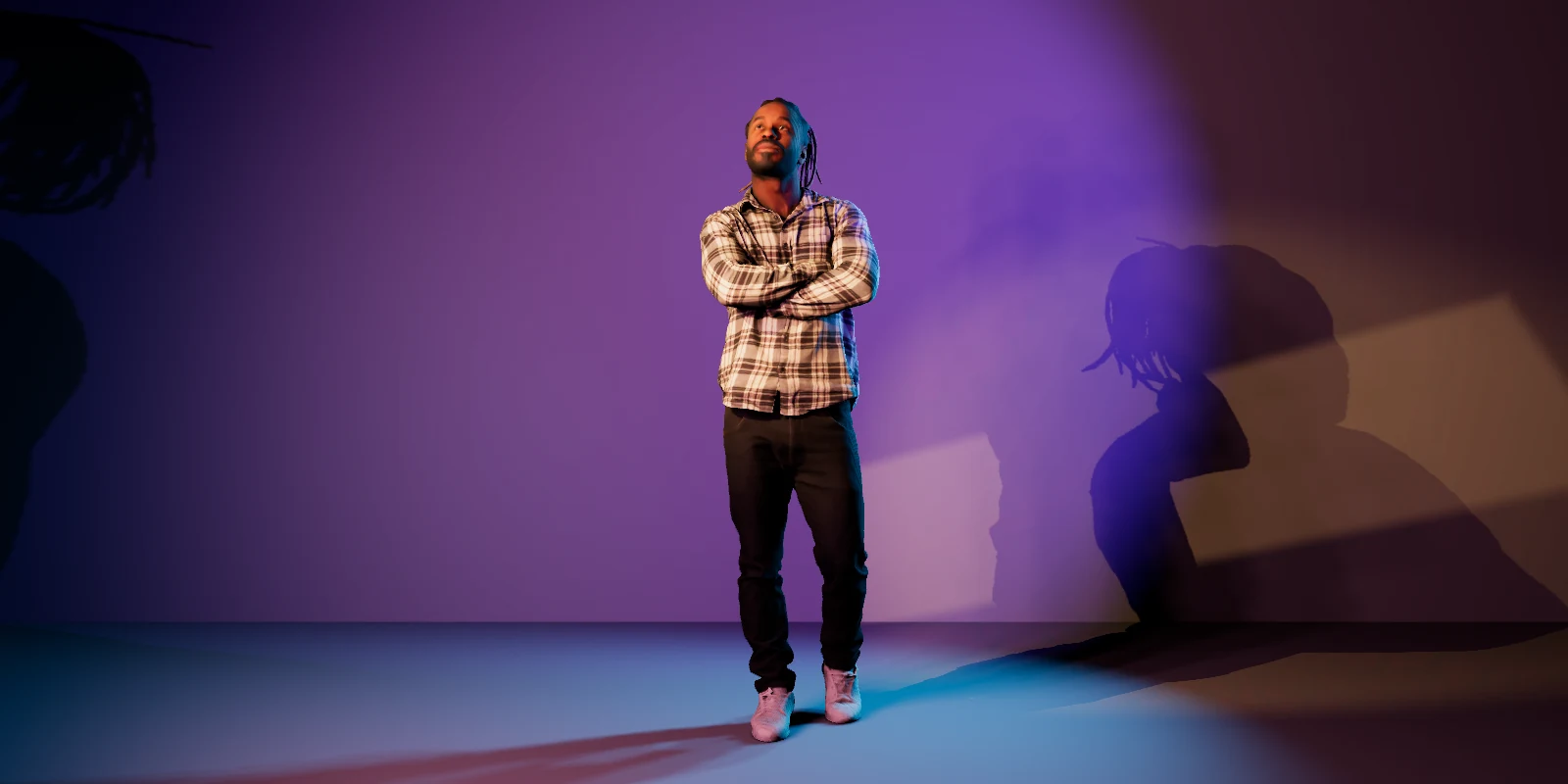
One spot to try here. Color Lab itself gives you up to six lights, from soft lights to patterned projectors, with saved looks to compare.
Studio 04 · The Archive
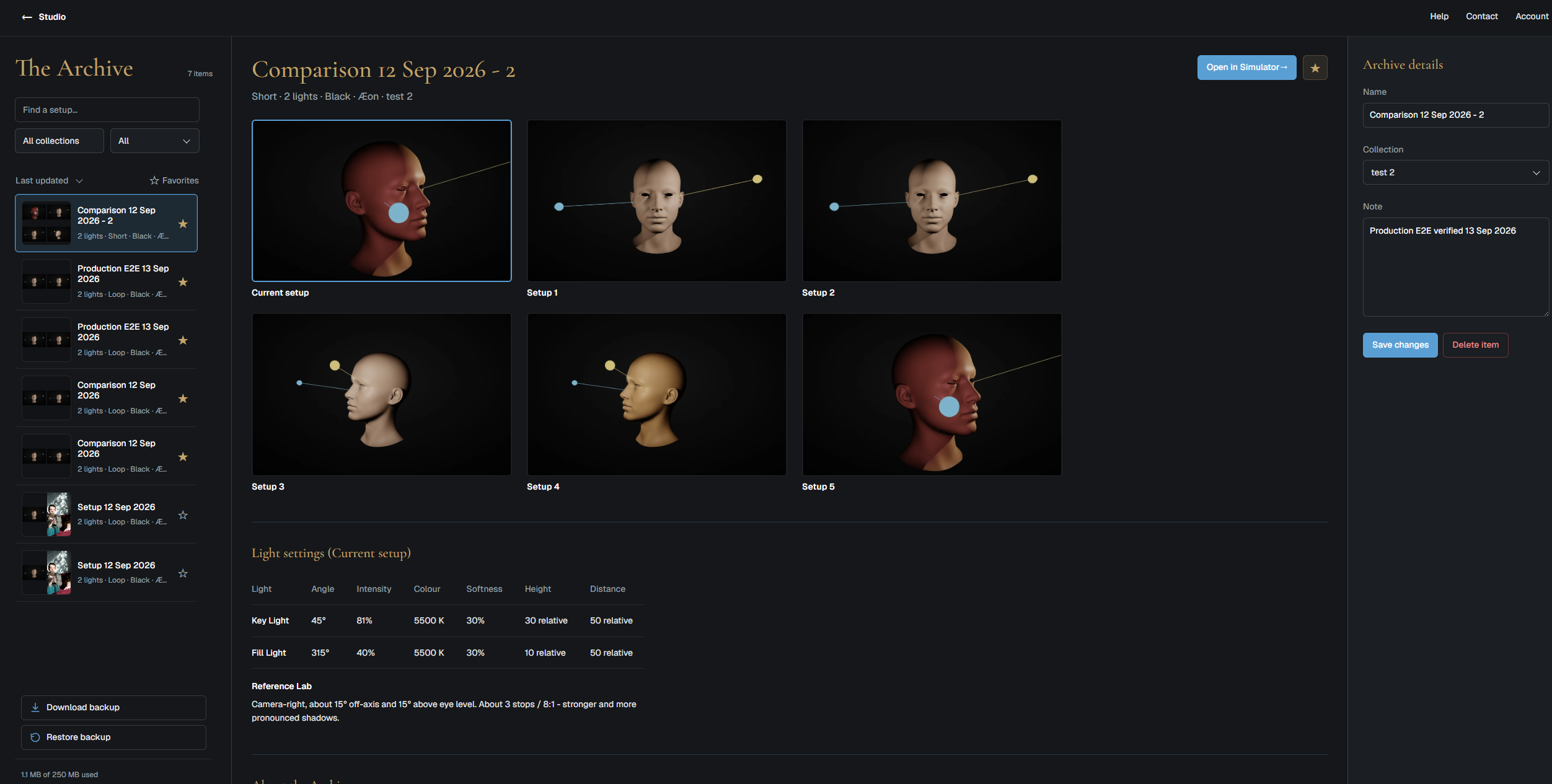
KEEP THE LIGHT
you want to return to.
Save setups, references and notes in collections, and reopen any of them in the right studio.
Studio 07 · Hand Reference New
POSE A HAND.
Draw it from any angle.
Hands are hard to draw and never hold still. This one keeps any pose you give it, for as long as you need.
Drag to turn the hand all the way round.
- 13 poses, and every finger and the wrist to bend yourself
- Four ways to see it, from skin to silhouette, and six lights to study it by
Studio 05 · Set Builder In development
FROM A FACE
to an entire space.
Lumen Tool is growing into a full 3D room. Place a model, furniture and lights, and see how daylight and studio light move through the space.
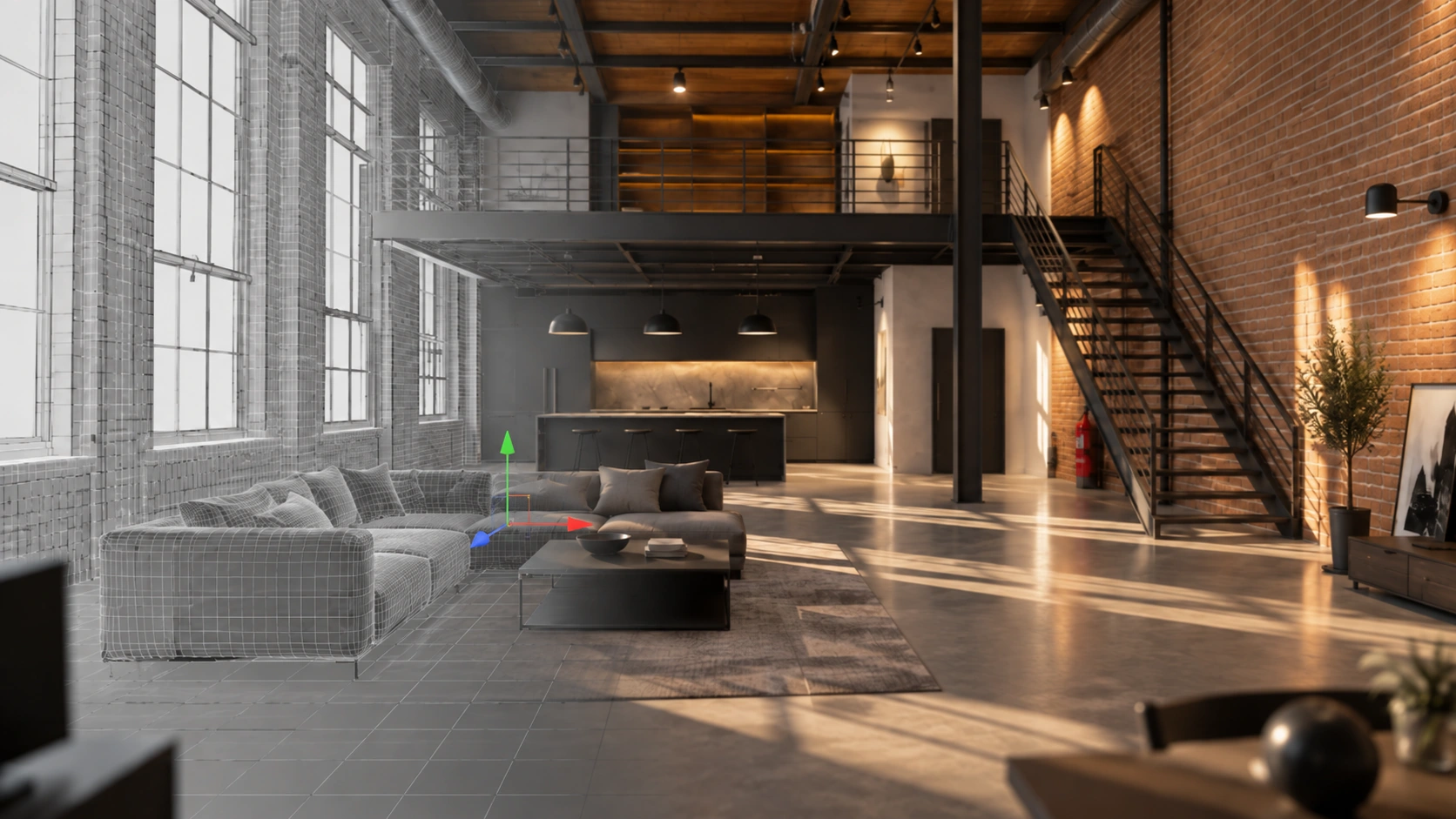
Day · Overcast · Evening · Night
Plan your set before you build it.
EVERY STUDIO TOOL.
One membership.
Lumen Tool
Every current studio and module included.
€9/ month
Or €99 a year. Cancel any time.
- Photo Lighting and Artist Lighting
- Lumen Tool heads, more lights and study tools
- Reference Lab, the Archive, Color Lab and Hand Reference
- New studios and modules included when released
Set Builder is included when it's ready.