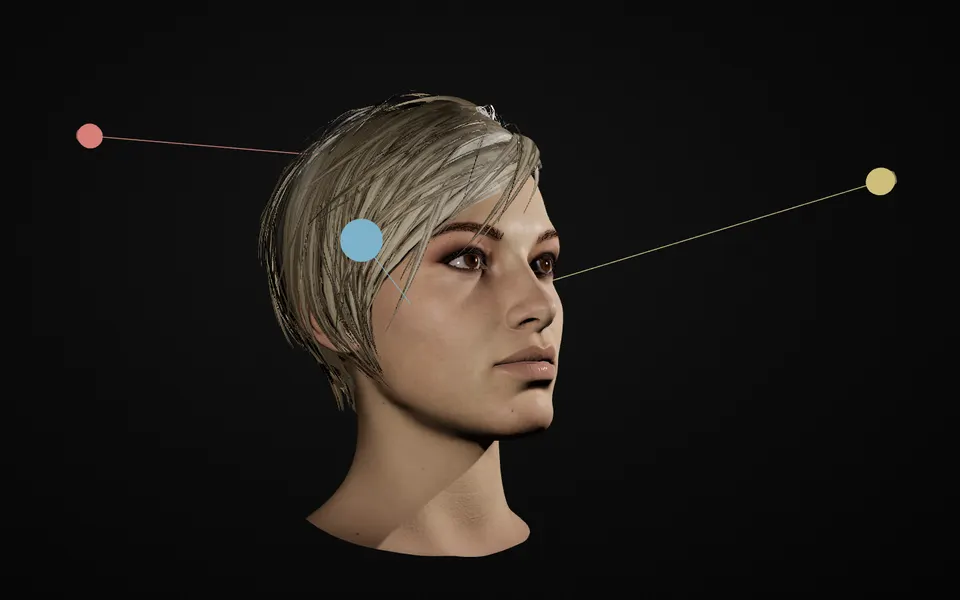
Understand light and shadow
Students change the direction, strength and softness of the light and see the shadow patterns change right away.
Free weekfor teachers
For schools, programs and teachers
A studio for studying light, right in the browser: portrait lighting, full studio setups, and light and value for drawing and painting. Access is arranged per school, from one class to a whole department.
Teaching art, photography or visual design? Explore Lumen Tool free for one week and see how it could fit into your lessons.
Request your free teacher trialSend your request from your school email address, or confirm that you teach in a short video call.
Students learn by changing light, color, space and pose directly in the browser.
Lumen Tool makes it easy to explore, create and understand, with no installation required.
Students change the direction, strength and softness of the light and see the shadow patterns change right away.

Students see how colored light falls on a figure, its surfaces and the room around it.
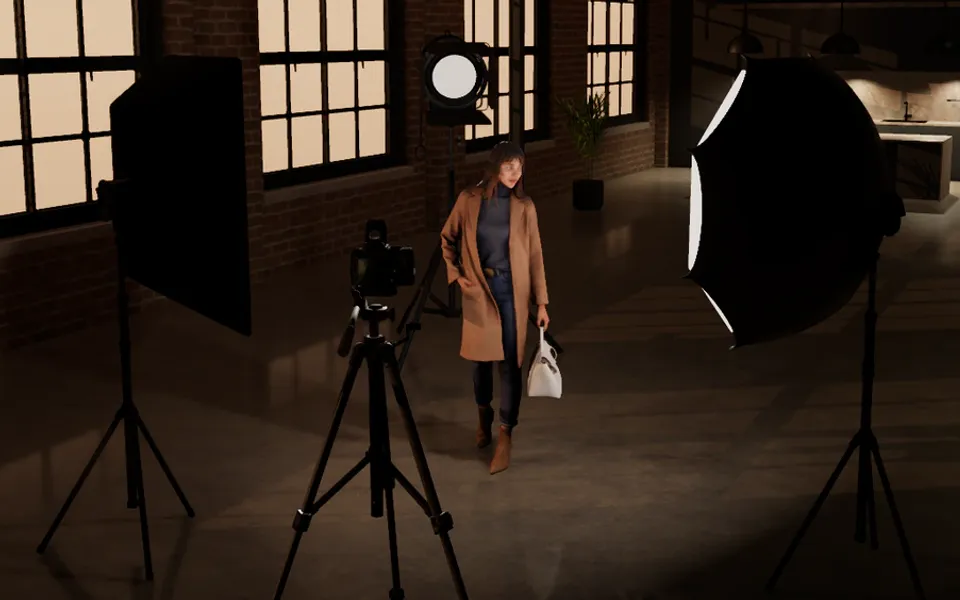
Students build a complete studio set and see how light, camera position and framing work together.
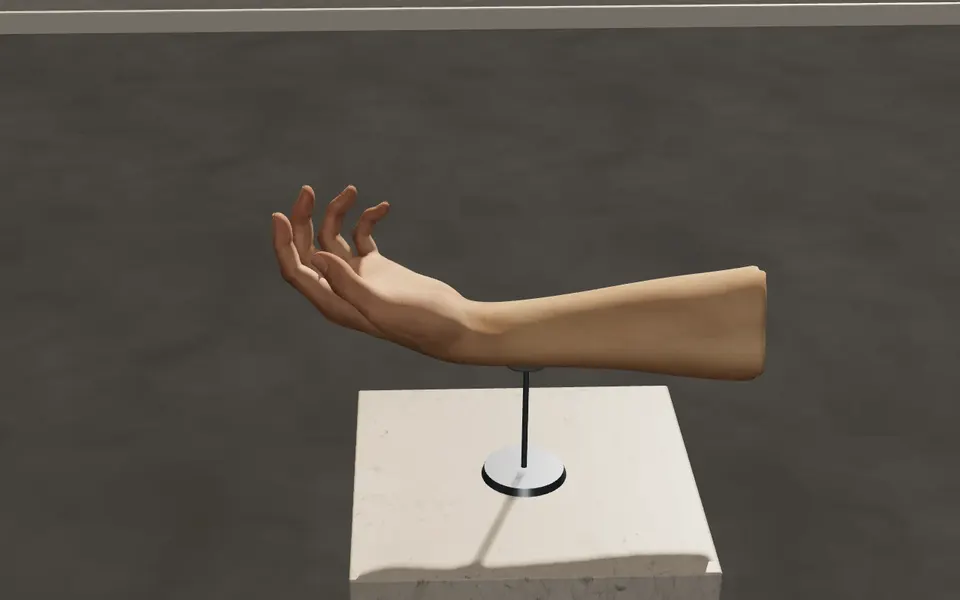
Students pose a 3D hand and study its form under light from any angle.
For schools
Access is arranged per school, for one class or a whole department. By email or video call we agree on the group size and the period, and each student gets their own account. There is no fixed price list.
One class or a whole department.
Works on a desktop, laptop or modern tablet. Nothing to install.
Are you a student? Ask your teacher or school to get in touch.
FAQ
No. Terms depend on the group, the period and how Lumen Tool is used, so they are agreed per school.
Yes. From one small group to a whole department.
A normal Windows PC or Mac with an up-to-date browser. The studios run on the computer's graphics chip, not on the processor alone. Recent built-in graphics from Intel, AMD or Apple are enough; a separate graphics card is not required. Set Builder, the 3D studio, asks the most and runs best on a recent machine. Tablets work in many studios. See the system requirements.
Students enter their email address and receive a sign-in code by email. They enter that code to open Lumen Tool. No password is needed.
Lumen Tool does not sell data, use it for advertising or use it to train AI models. Details are on the data processing page.
Yes. Lumen Tool and its help pages are in English. Depending on the number of licenses your school needs, we can discuss whether translating the Lumen Tool interface into your language would be possible.
Tell us about your school and what you have in mind. Prefer a video call? Say so in your message.
Or email franck@lumentool.com